

Inventory reorder point tracker in Excel
Watch alongside this article
Public YouTube resources matched to this article's topic, functions, and practice goal.
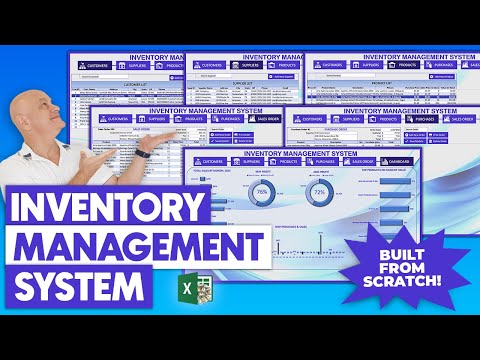
How To Create A Complete Inventory Management System In Excel From Scratch + FREE DOWNLOAD
Excel For Freelancers
Open on YouTube (opens in a new tab)
Create an Automated Inventory Management System in Excel (FREE Template)
MyOnlineTrainingHub
Open on YouTube (opens in a new tab)
Stock In Out Balance Tracker Sheet in Excel (Inventory management)
Ashok Subedi
Open on YouTube (opens in a new tab)An inventory tracker becomes useful when it tells you what to do next. Reorder points are a simple way to turn a stock list into an action list.
Core columns
Start with:
- SKU
- Item name
- Location
- Current stock
- Average weekly usage
- Supplier lead time
- Safety stock
- Reorder point
- Reorder flag
Use a table so formulas copy down automatically as new items are added.
Basic reorder formula
A simple reorder point can be:
=(AverageWeeklyUsage*LeadTimeWeeks)+SafetyStockThen flag items:
=IF(CurrentStock<=ReorderPoint,"Reorder","OK")Add an exception view
Create a filtered view or pivot table that shows only Reorder items. Sort by
supplier or location so the action list matches how the team actually buys or
moves stock.
Keep transaction history separate
Do not overwrite stock history in the main list. Keep purchases, sales, transfers, and adjustments in a movement log. The tracker should show current state; the log should explain how you got there.
Go deeper with this skill
Track operational data so stock, reorder, or process decisions are based on current and consistent numbers. For this article, the goal is to practice: Use Excel to flag low-stock items with reorder points, lead times, and simple inventory checks.
Practice workbook setup
Create a table with item IDs, locations, quantities, reorder points, suppliers, and recent movement dates.
Practice workflow
- Standardize item IDs and units of measure before calculating anything.
- Separate stock-on-hand, reorder logic, and supplier information.
- Flag exceptions such as below-reorder, missing supplier, or stale movement date.
- Review whether formulas still work when a new item is added.
Quality checks
- Each item has one consistent ID.
- Reorder logic is visible and easy to audit.
- Totals by category or location reconcile to item-level detail.
Common mistakes
- Using item names instead of stable item IDs.
- Mixing cases, packs, and units without conversion logic.
- Letting old discontinued items distort reorder summaries.
Next actions
- Add a small dashboard for stock risk and overdue replenishment.
- Create a weekly refresh checklist for the inventory file.
Formula focus: test IF(), SUMIFS() with normal rows, blank inputs, and at least one edge case.


